 Sandbox POS
For hardware & construction-supply stores
Sell fast at the counter. See every branch from your phone.
Sandbox POS sells by the bag, meter or kilo, keeps track of utang and deliveries, counts the cash, and keeps selling when the internet drops.
Sample store: Demo Hardware & Construction Supply. Sign in on the tablet with PIN 1111 (cashier), 2222 (manager) or 3333 (owner).
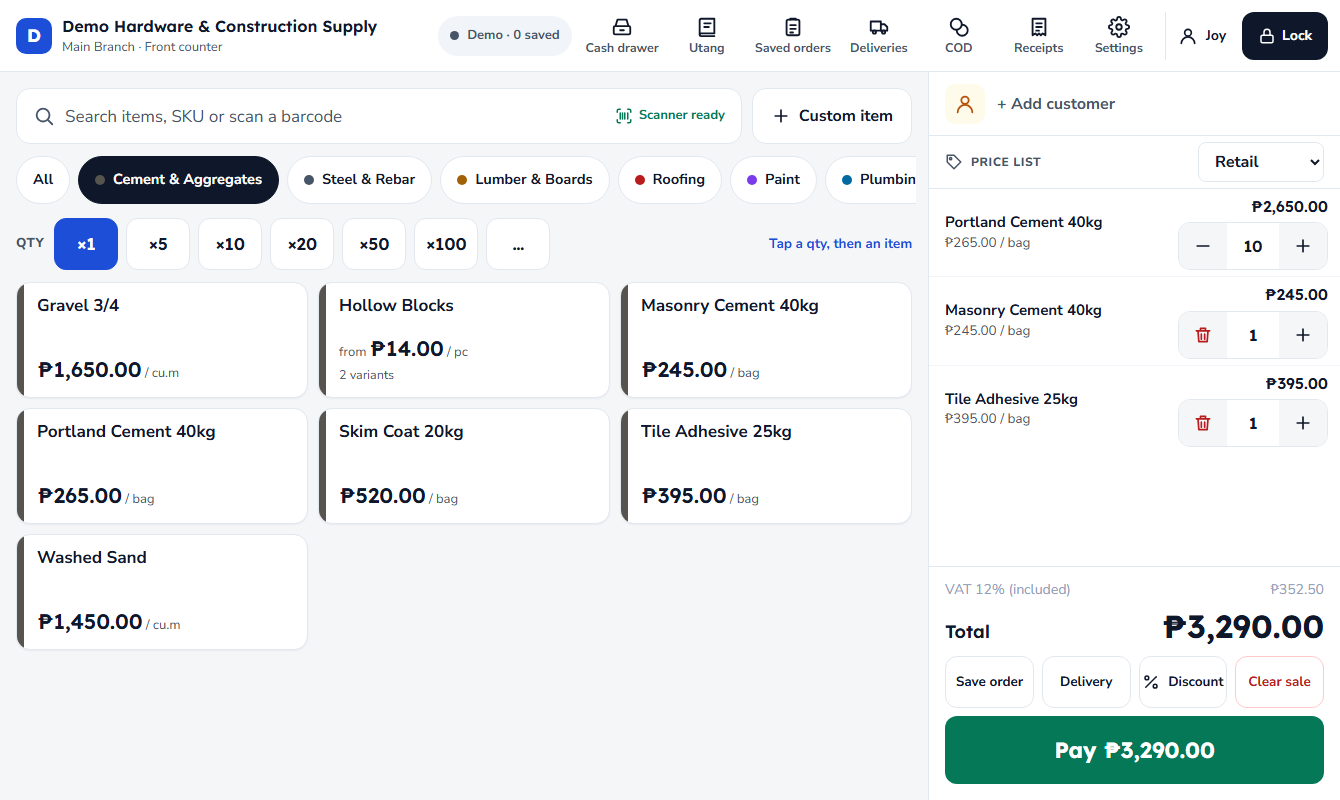
Made for how a hardware store works
-
Works with no internet
The tablet keeps selling and printing receipts when the internet is down, and uploads everything once it's back.
-
Utang with limits
Charge sales to a customer's account. See who owes, how late, and who is over their credit limit. Take payments at any counter.
-
Deliveries with a map pin
Turn a sale into a delivery, pin the spot on the map, and print the DR. Drivers mark it delivered from their phone.
-
Cash on delivery
Let the customer pay the driver. You see what each driver collected and when they handed it over.
-
Daily cash that adds up
Count the drawers at closing, type what GCash, Maya and the card terminal show, and see over or short at once.
-
Every branch, one Back Office
Sales, profit, stock and staff from every branch and register, on the office PC or your phone.
-
Any unit, any price list
Nails by the kilo, wire by the meter or the roll, cement by the bag. Retail and Contractor prices, picked per customer.
-
Plain and quick to learn
Big buttons, a PIN for each cashier, and words a cashier understands. New staff sell on their first day.
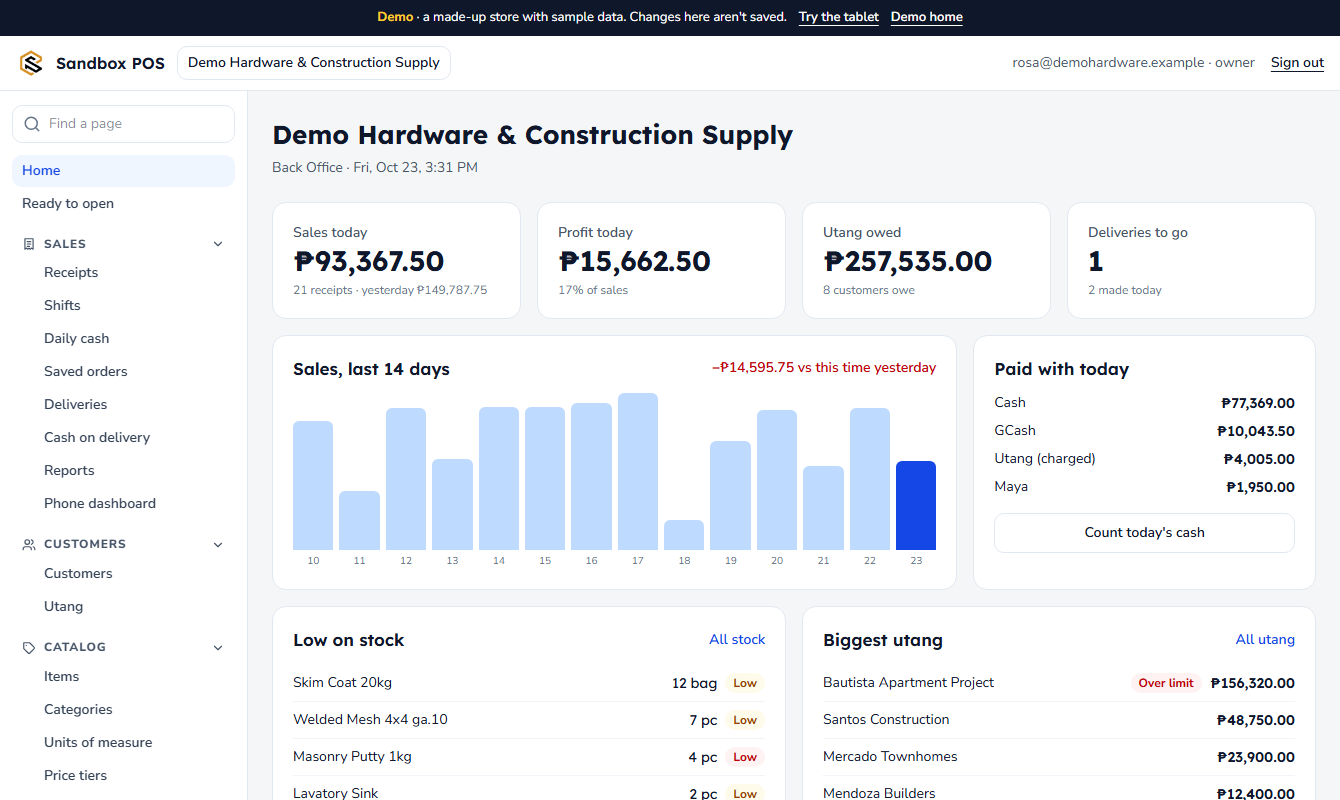
The owner's side
Check today's sales from home, look up any receipt, count the cash, and see what's running low before a customer asks for it.
See the Back OfficeAbout this demo
Everything here is made up: the store, the items, the customers and the sales. What you do on the demo tablet stays in your own browser and is never sent anywhere. Use Help & tour → Reset demo on the tablet to start over.